
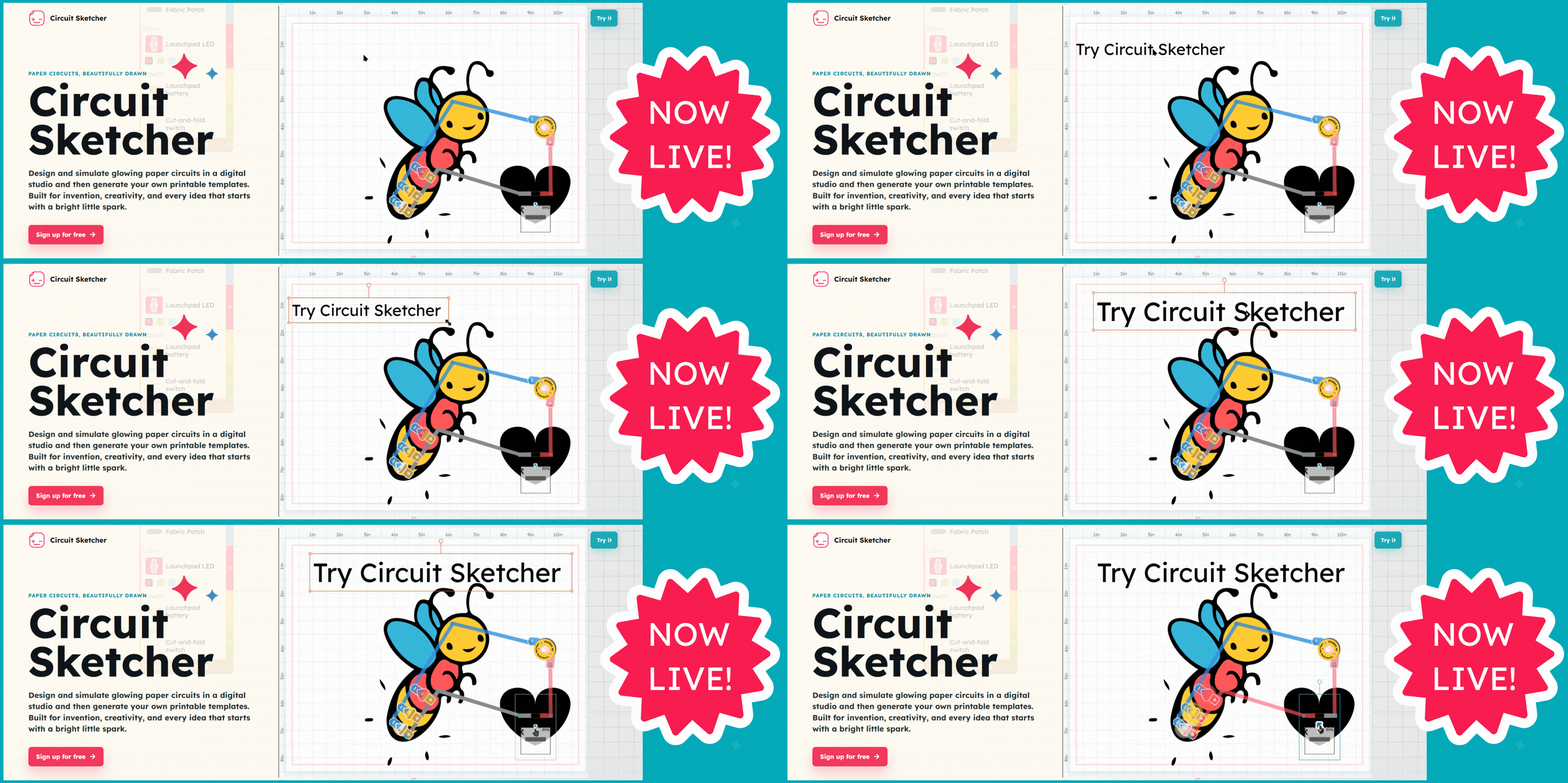
What if you could sketch a paper circuit, test it, tinker with it, and see it light up your art before using a single piece of conductive tape?
This idea is now a finished creative studio. We are excited to share that Circuit Sketcher is live! It is a browser-based design and simulation tool from Chibitronics that helps makers, families, educators, and students turn bright ideas into interactive paper circuits.
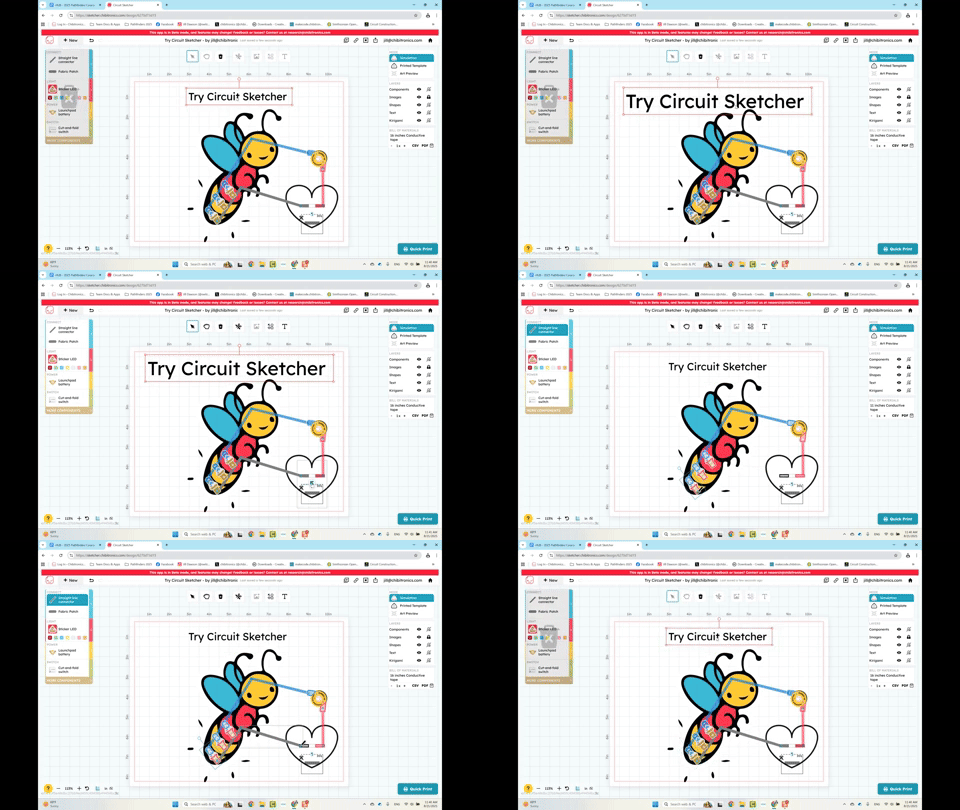
Start with a blank canvas or bring in your own artwork. Add batteries, LEDs, switches, connectors, shapes, text, and image components. Then draw your circuit connections. Test the circuit virtually, adjust the design until it feels right, then export a printable template and bring it to life with real materials.
Draw it. Test it. Make it.
1. Create
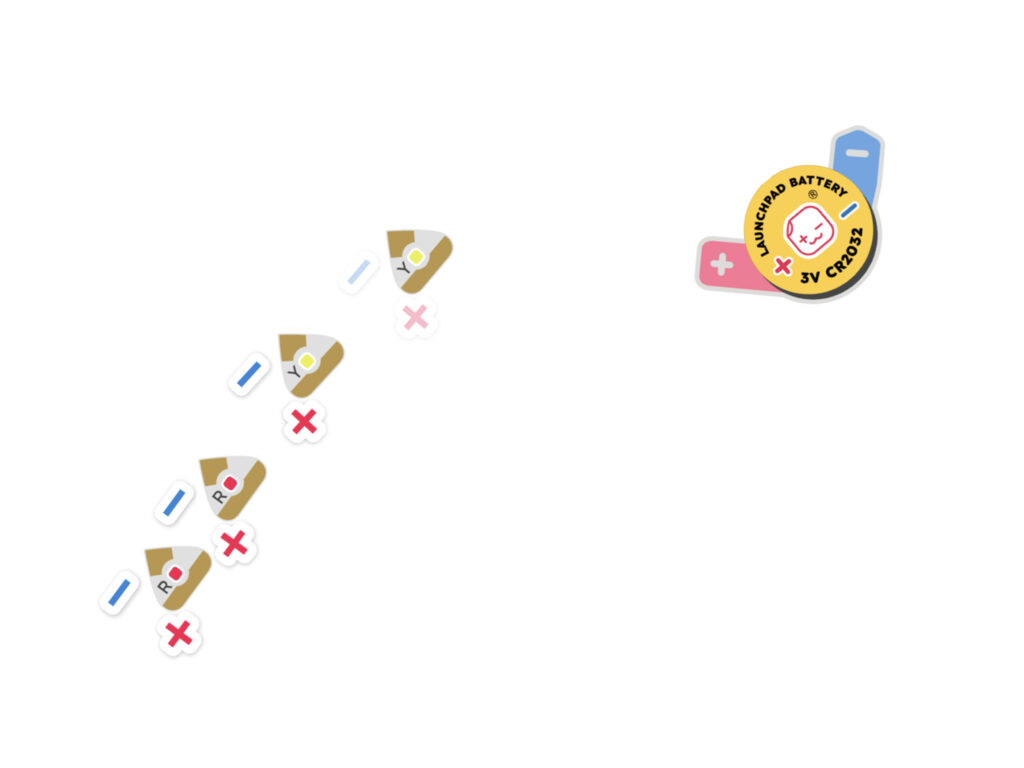
Arrange circuit components directly over your artwork. Resize, rotate, layer, draw, and experiment without committing physical materials.
2. Simulate

Test and debug circuits virtually before they reach the printer. See the circuit work, find open connections, catch short circuits, and learn through immediate feedback.
3. Build & share
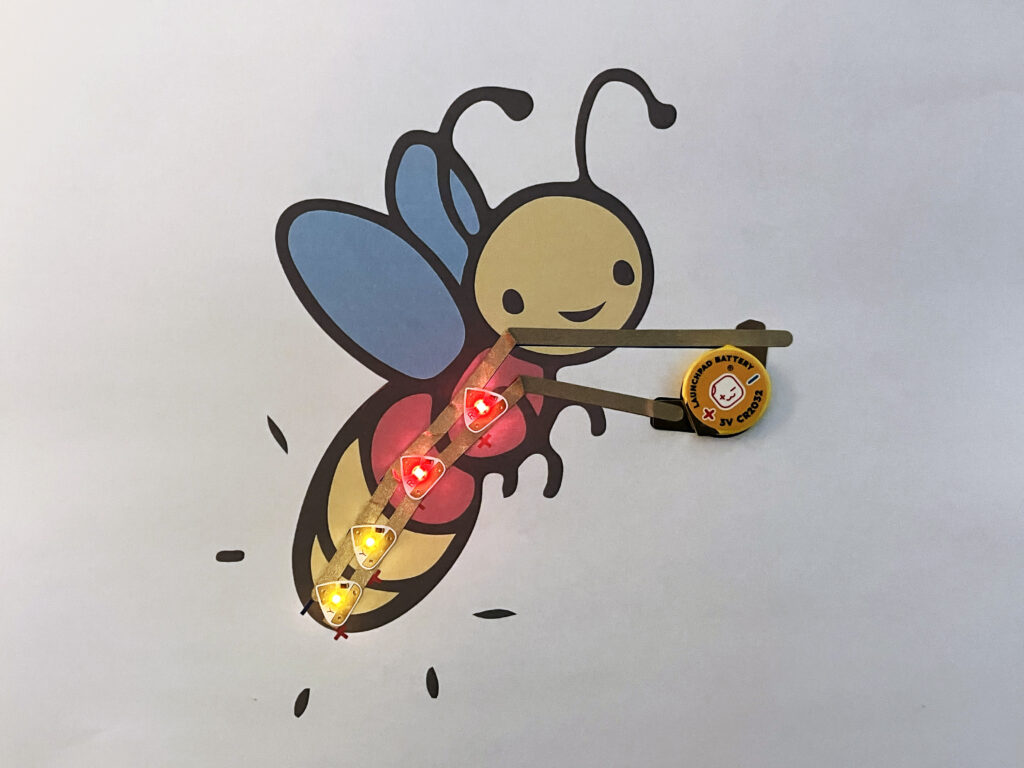
Download a printable PDF template, print it, and build the physical circuit. Share the design or create a polished project page with photos, video, and instructions.
A canvas that understands circuits
Circuit Sketcher combines a flexible visual canvas with circuit-aware tools. It gives creators room to play while helping them understand why a circuit design works, or what needs attention when it does not.
- Design with virtual components: batteries, LEDs, switches, conductive tape paths, fabric patches, and more
- Make it yours: import artwork and add images, text, shapes, and Noun Project art
- See what is happening: use simulation feedback and a live bill of materials
- Work at physical scale: use an inch or centimeter grid and export printable PDFs
- Share the process: publish a view-only design or build a project page that tells the whole story
Publish finished projects
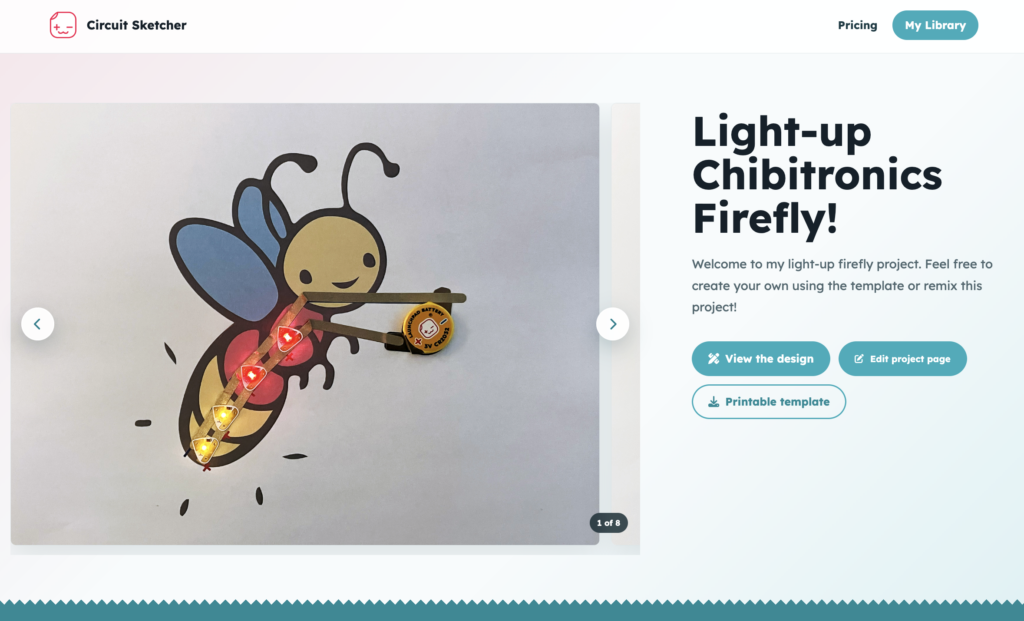
Once you are done designing and building, Circuit Sketcher lets you publish project pages for sharing photos, video, and completed templates of your projects! You can publicly share the page or make it viewable only to invited collaborators. Student and classroom accounts keep projects safely viewable within the classroom only or to invited viewers (such as for sharing projects with family and friends :).
Built for curious creators and real classrooms
Paper circuits sit at a wonderful intersection of art, engineering, storytelling, and play. Circuit Sketcher keeps that creative spirit at the center while making iteration easier and more cost effective. A student can explore endless ideas before printing. A teacher can organize classrooms, galleries, and share examples. A family can create together. A maker can plan a complex layout without wasting materials.
See Circuit Sketcher in action
Your next bright idea can start here
Open the studio, start with a free account, and turn your circuit idea into a finished project!

Research and development for Circuit Sketcher has been generously funded in part by Small Business Innovation Research grants from the U.S. National Science Foundation.