
Cool Effect!
In this video tutorial I’ll show you a way to create a light-up Father’s Day Card that uses a piece of a Pressure Sensor Sheet to create a cool effect. Using the property of resistance, the lights in your card will turn on in a predictable order, based upon their colors!


Tech Tip: This will only work if you are using LEDs that have built-in resistors, such as Circuit Sticker or Launchpad LEDs. This trick will not work with bare Through-Hole LEDs.
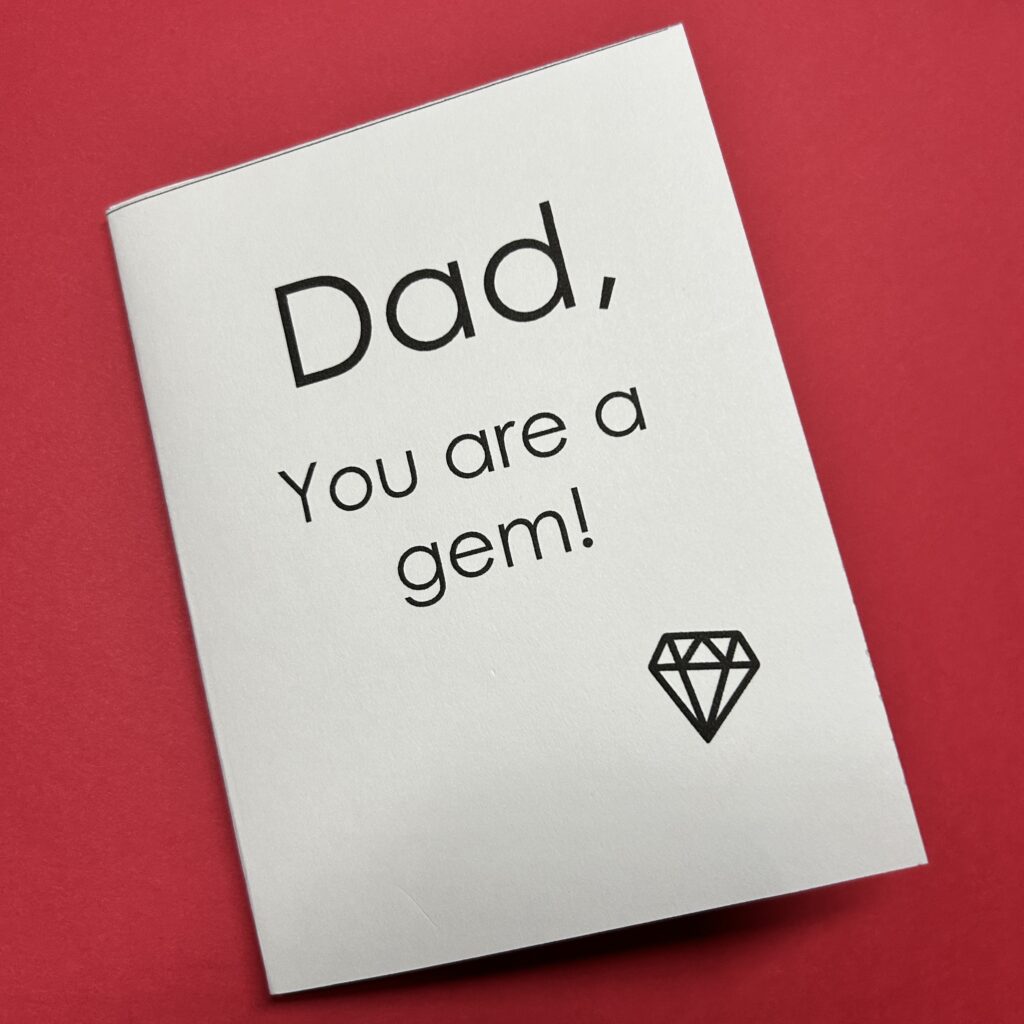
Because Pressure Sensor Sheets have a variable resistance based upon how hard it is pressed, you can control the order in which your lights turn on, no matter where they’re placed within your circuit! The secret is knowing a little bit about physics!
In a pressure sensing circuit, LEDs will light up based upon how much voltage is required to power them. Lights that require LESS voltage will light up first (with the least amount of pressure). These will be followed by lights that require MORE voltage (and more pressure on the sensor). This typically happens in order of the visible light spectrum of the rainbow (ROYGBIV) with red lighting up first, followed by orange, yellow, green, blue, violet (pink), and white.
If you know that a red LED will always be the first LED to light up in a pressure sensing circuit, no matter where it’s placed, you can control the way your circuit looks as it lights up!
Since I wanted the lights in my Father’s Day Card to turn on one at a time, in the same order as the letters in the word, “Cool,” I used my knowledge of physics to place my LEDs in order, from the least to the highest power requirements- red, yellow, green, and blue.
Directions
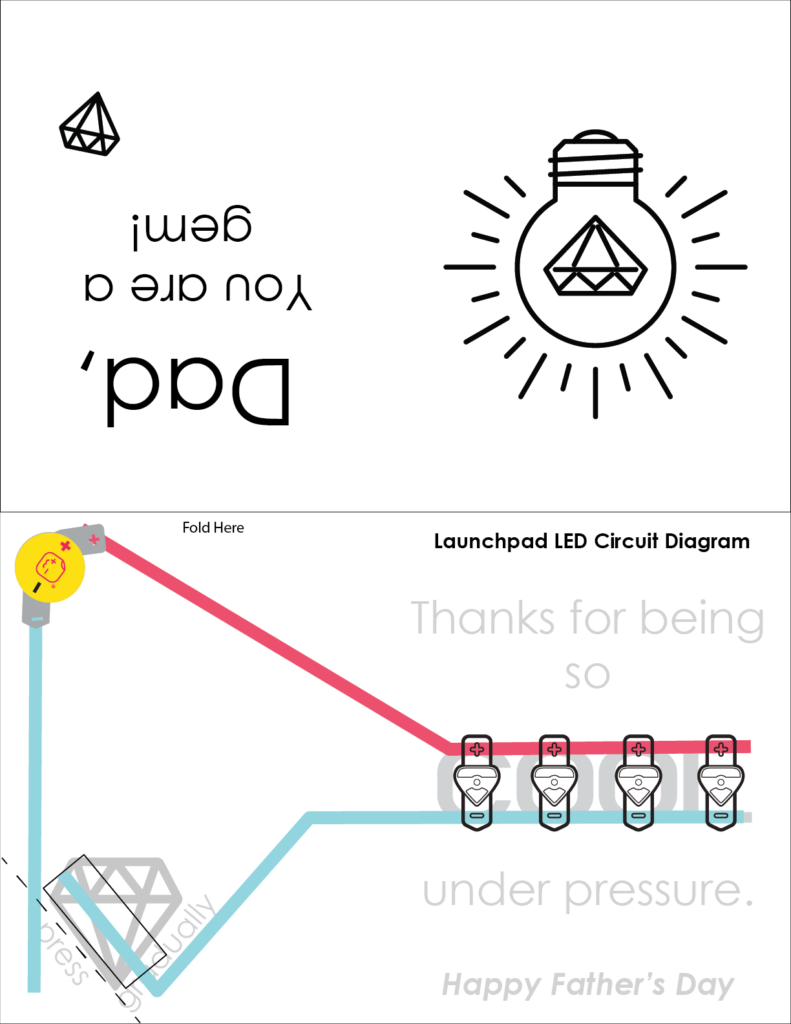
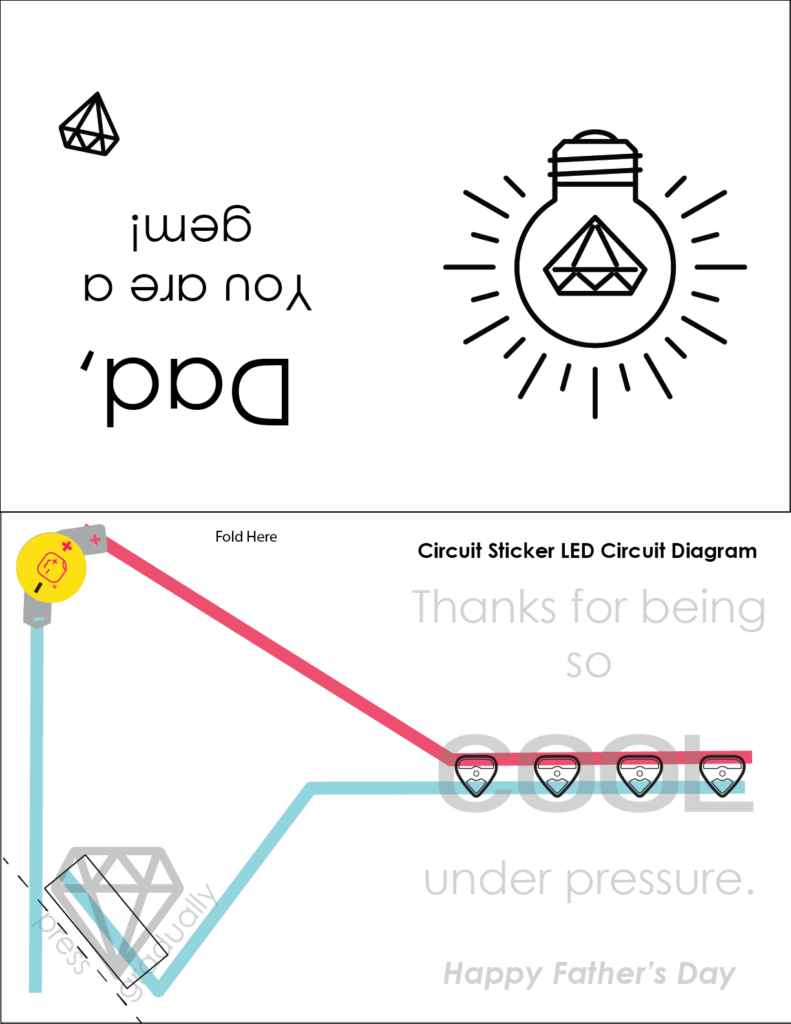
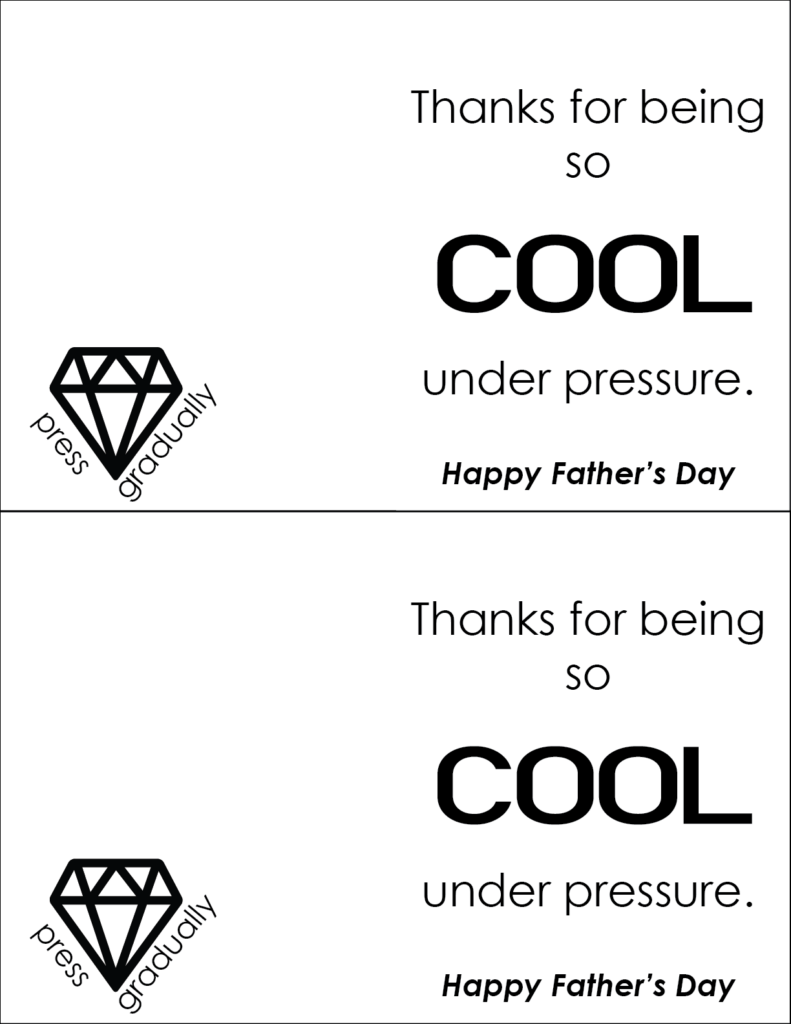
To create your own pressure sensing card, gather your supplies, print out the circuit diagram of your choice, and follow along with the video tutorial.
1. Gather Tools & Supplies
- 4 X LEDs (one of each in red, yellow, green, and blue)
- Launchpad LEDs such as the Variety Nanopack of six OR
- Circuit Stickers LEDs, such as the Lights Sampler Megapack of 30
- 1 X Launchpad Battery
- Conductive Fabric Tape Spool or Strips
- 1 X piece from a Pressure Sensor Sheet
- Scissors
- Cardstock (65 pound is best for this project)
- Double-sided Tape
- Foam Tape (optional)
- Art Supplies of Your Choice (ex. colored pencils)
2. Print Downloadable Templates
If you’d like to follow along with the video, download and print out the Circuit Diagram of your choice onto 65 pound white cardstock. I’ll be using Launchpad LEDs in the video, but Circuit Sticker LEDs also work!
3. View Video Tutorial
4. Learn More
To learn more about how pressure sensors work, visit:
Conductive Pressure Sensor Sheets Create Special Effects
Lesson 5: Pressure Sensor: Circuit Sticker Sketchbook
Haunted House Part 2: Light Colors in Sequence
10 Ways to Use Pressure Sensitive Plastic